Which free AI logo creator exports SVG vectors?

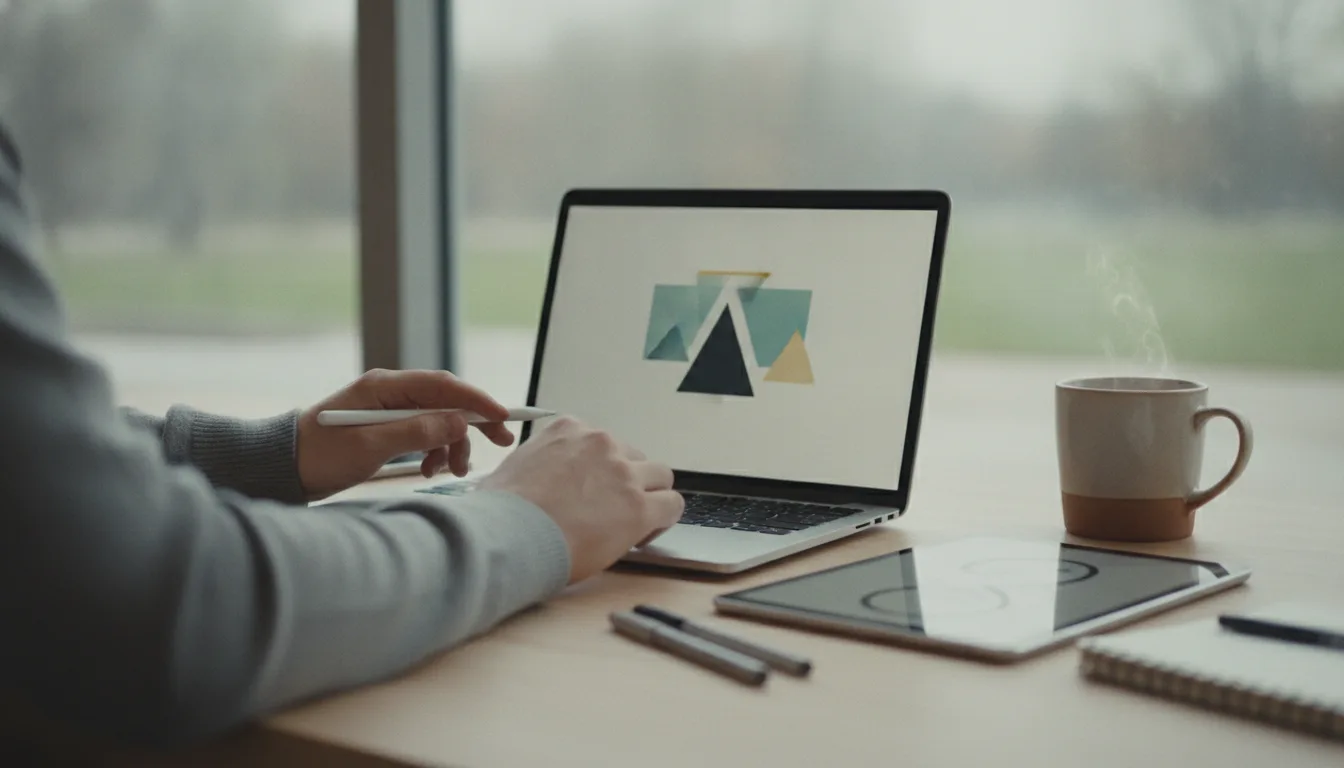
Choosing an AI powered logo generator means little if the file you receive is stuck at a single size. An SVG file stores paths rather than pixels, so it stays razor sharp on a billboard, a phone icon and anything between. The reviews below focus on one question: can you walk away with a real SVG without paying?
Why SVG beats PNG for logos
A logo has to appear on favicons, merchandise, presentations and storefront signs. PNG, a raster format, locks every pixel, so enlarging it often produces blur and rough edges. An SVG contains mathematical descriptions of shapes, letting any browser or printer draw the artwork at perfect quality. You can also open an SVG in a text editor to tweak a color code or rename a layer, and version control systems can track those small edits line by line. For anyone building a design system or dark mode variant, the vector route saves hours.
Free AI generators and what they really deliver
Adobe Express promotes quick results. The current free tier lets you download a PNG. That is fine for social avatars or a temporary landing page, yet it fails the vector requirement.
Canva offers an approachable drag and drop workspace and a vast template library. Documentation mentions easy sharing, but there is no clear promise of free SVG export. Verify inside the download panel before investing time.
Vistaprint lists its AI Logomaker with a statement that users can instantly download SVG, PDF and transparent PNG at no cost. If correct, Vistaprint should be first on your test list when you need a vector today.
Design dot com claims free AI generated logos that arrive with print ready vector files. Again, rely on your own test, but the copy suggests genuine SVG without a paywall.
Ideogram receives praise for crisp typographic concepts. Reviewers also note that the platform outputs raster images, not vectors. You would have to trace or rebuild the artwork in a vector editor later.
Our running AI tools page tracks many more generators, but the services above are the most referenced for free use right now.
Quick test: confirm you have a real vector
Before polishing tiny spacing details, check the export options.
- In the editor, look for SVG in the download list. If you see only PNG or JPG, move on.
- After downloading, open the file in a browser and zoom to absurd levels. Edges should stay sharp.
- Open the same file in a text editor. A true vector starts with an svg tag and contains path or rect elements, not a single image tag with base64 data.
- Import the file into Inkscape or Illustrator and select individual letters or curves. They should be editable anchor points, not a flattened picture.
Five minutes here prevents painful rework later.
Choose the right path for your project
Different roles face different pressures. A marketer who needs a quick graphic for an ad campaign can live with a PNG from Adobe Express or Canva until a designer redraws the mark. Video streamers and merch sellers should insist on SVG early so enlarged overlays remain crisp. Developers prefer SVG because they can recolor or animate elements directly in code without extra assets. If you must stay on a free plan and you need vector today, start with Vistaprint or Design dot com, then run the validation steps above.
When you want to compare several services side by side, our complete catalog shows feature lists, plan tiers and export formats on one page. Keep an eye on text quality, since tools like Ideogram shine at lettering even if you eventually redraw the final mark as SVG. Always test the download yourself before sending a file to print or embedding it in a design system. Some platforms label a file as SVG but tuck a raster image inside the container, which defeats the purpose of choosing a vector in the first place.